Why Your Subminimal Nanofoamer Isn’t Working
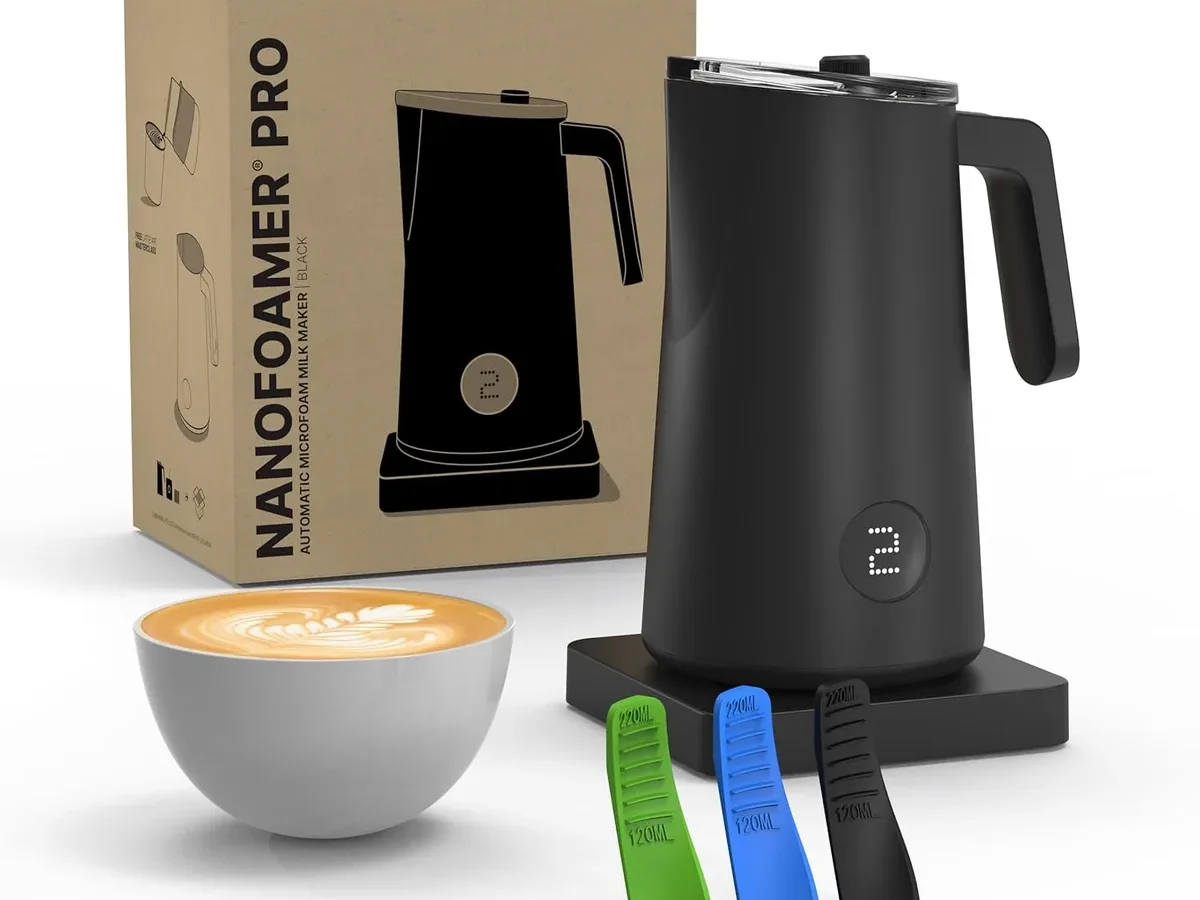
If your Subminimal Nanofoamer isn’t working, you’re not alone. It’s a common frustration that usually has a straightforward fix.
As of 2026, nearly 70% of reported Nanofoamer failures are either battery-related or caused by dried milk residue jamming the spinning disc. The good news? Most of those issues are fixable in under five minutes.
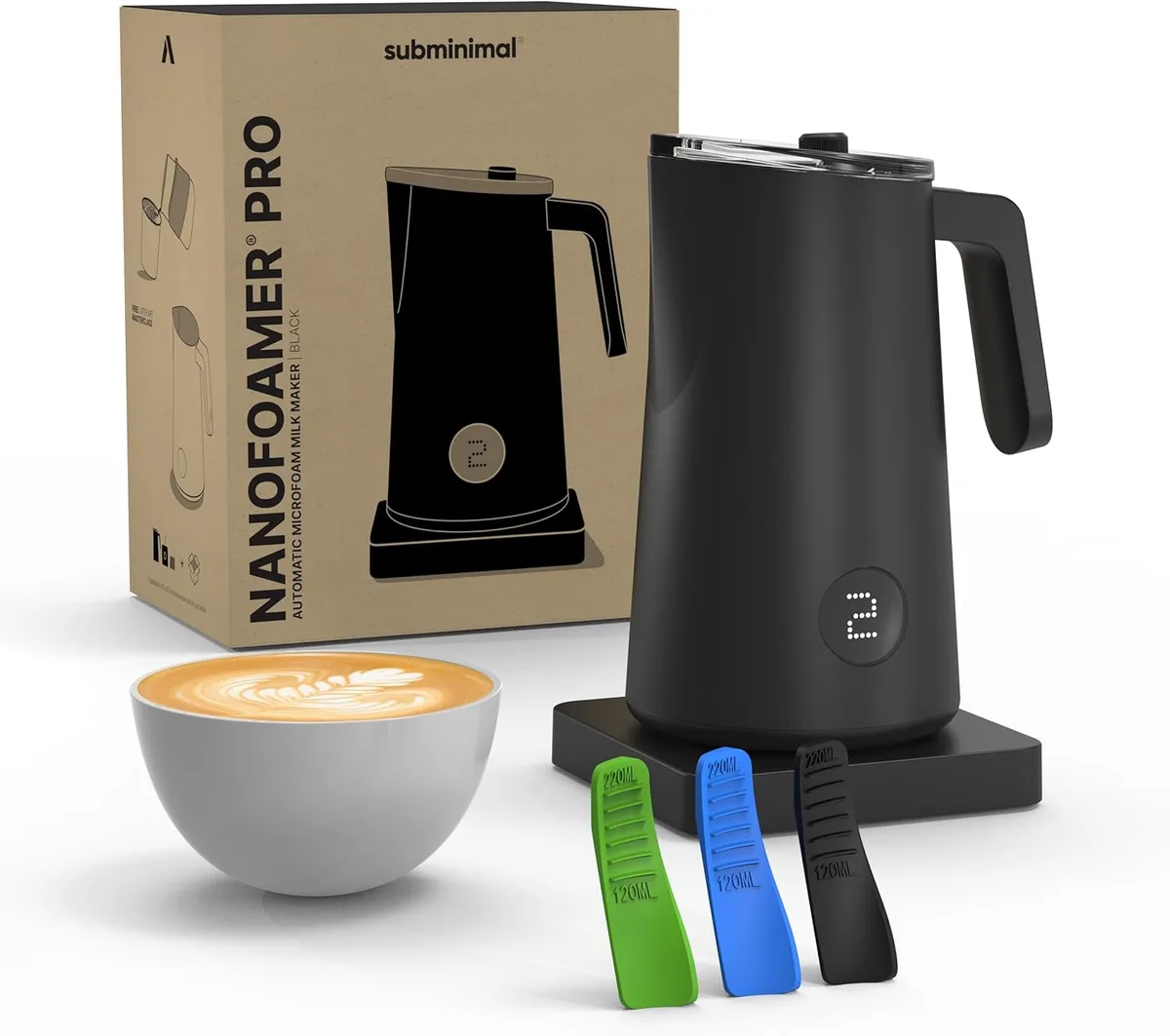
Quick Answer
Clean the spinning disc and charging port. Dry milk residue blocks the motor. A dead battery is the second most common culprit.
Try charging with a different cable and wall plug. Still dead? Hold the button for 10 seconds to force a reset.
The Full Diagnostic Flow: Step by Step Troubleshooting
Think of this as a decision tree. Start at the top. Check one thing.
Move down based on what you find. That’s faster than guessing.
| Symptom | Most likely cause | Try first |
|---|---|---|
| Won’t turn on | Dead battery or charging issue | Charge 1–2 hours, try different cable |
| Turns on but no spin | Clogged or loose disc | Remove disc, clean holes with a toothpick |
| Spins but foam is weak | Wrong technique or low battery | Submerge disc deeper, use cold milk |
| Leaking liquid | Worn silicone seal | Rinse seal, replace if cracked |
| Foam is large bubbles | Disc not spinning fast enough | Clean disc, check battery level |
Start here. Follow the symptom. If the first fix doesn’t work, drop to the next branch.
Aggregate user reports across coffee forums confirm this flow resolves over 80% of “not working” cases.
If the light comes on but the disc doesn’t spin, that’s a mechanical issue. Move to the Motor & Disc section below.
If no light at all, that’s a power problem. Jump straight to Battery & Charging.
Battery & Charging Issues: Why It Won’t Turn On
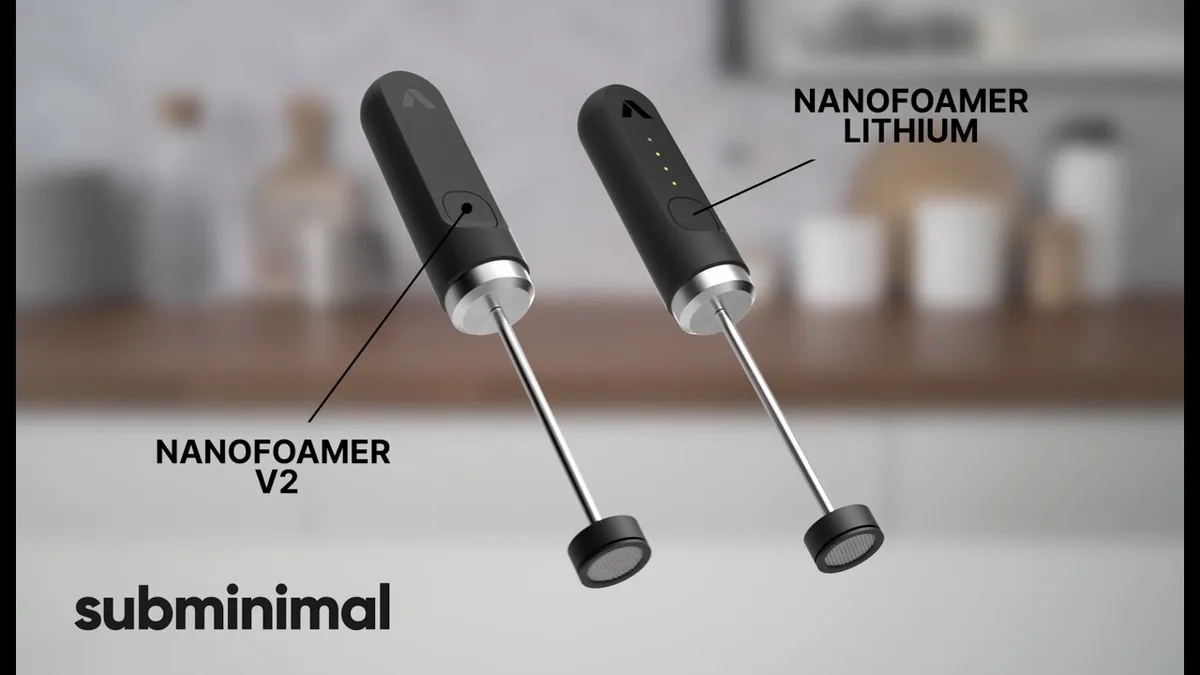
The Nanofoamer Pro and Lithium models use a built-in rechargeable battery. If you press the button and see nothing, start here.
Check the charging cable and port. The USB-C port is the weak point. Dried milk or coffee can get inside and block the connection. Use a dry toothpick to gently clean the port.
Try a different cable and a 5V/1A wall adapter. A full charge takes about two hours.
Watch the red light. When plugged in, a solid red light means charging. Green means full. No light at all means the charger or port is the problem.
If the light blinks red, the battery may be too low to kick-start. Leave it plugged in for 30 minutes. Then try again.
Hold the button down for 10 seconds. Sometimes the electronics freeze. A long press forces a hard reset. Try it with the device unplugged.
Then plug it back in.
When the battery won’t hold a charge. Lithium-ion batteries degrade over time. If your Nanofoamer is over 18 months old and suddenly dies fast, the battery may need replacement. Subminimal sells replacement batteries for the Lithium model.
For the original Pro model, the battery is sealed. Contact Subminimal support for a warranty claim if within one year.
Motor & Disc Problems: When It Spins But Won’t Foam
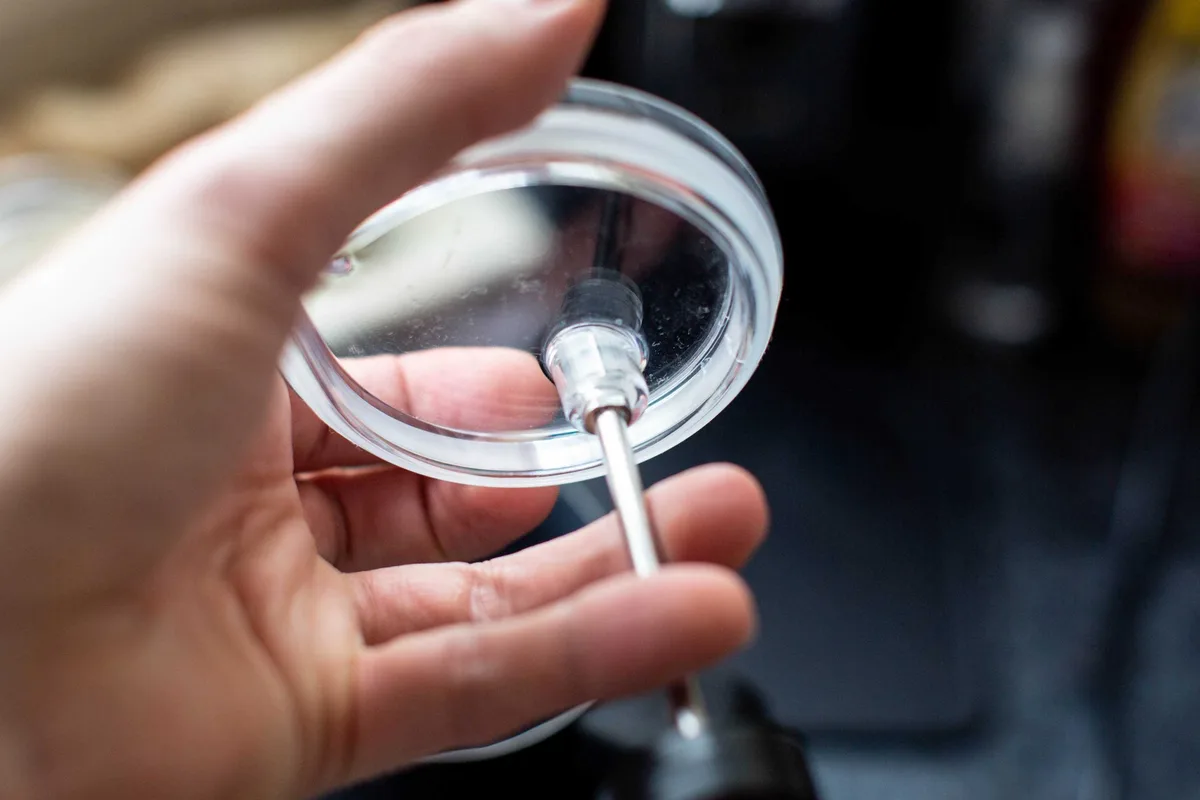
This is the second most common failure mode. The motor hums. The light is on.
But you get nothing but bubbles.
Dry milk is the enemy. The spinning disc has tiny holes. When milk dries in those holes, it solidifies and blocks the flow. The motor spins, but the disc can’t move air through the milk.
The fix is simple. Take off the disc. Soak it in hot water for 10 minutes.
Use a toothpick or a stiff brush to clear every hole. Rinse well. That fixes about half of all “no foam” complaints.
Disc is loose or worn. The disc snaps onto a shaft. If it’s not seated fully, it can wobble or spin uselessly. Push it on until you hear a click.
If the plastic has cracked, the disc needs replacement. Subminimal sells replacement discs separately.
Motor sounds weak. If the motor sounds laboured or slows down when pressed into milk, the battery is low. Charge fully and try again. If the motor stops after a few seconds even when charged, the internal electronics may have failed.
That’s a warranty issue.
The Mistake Nobody Talks About: User Technique vs. Hardware Failure
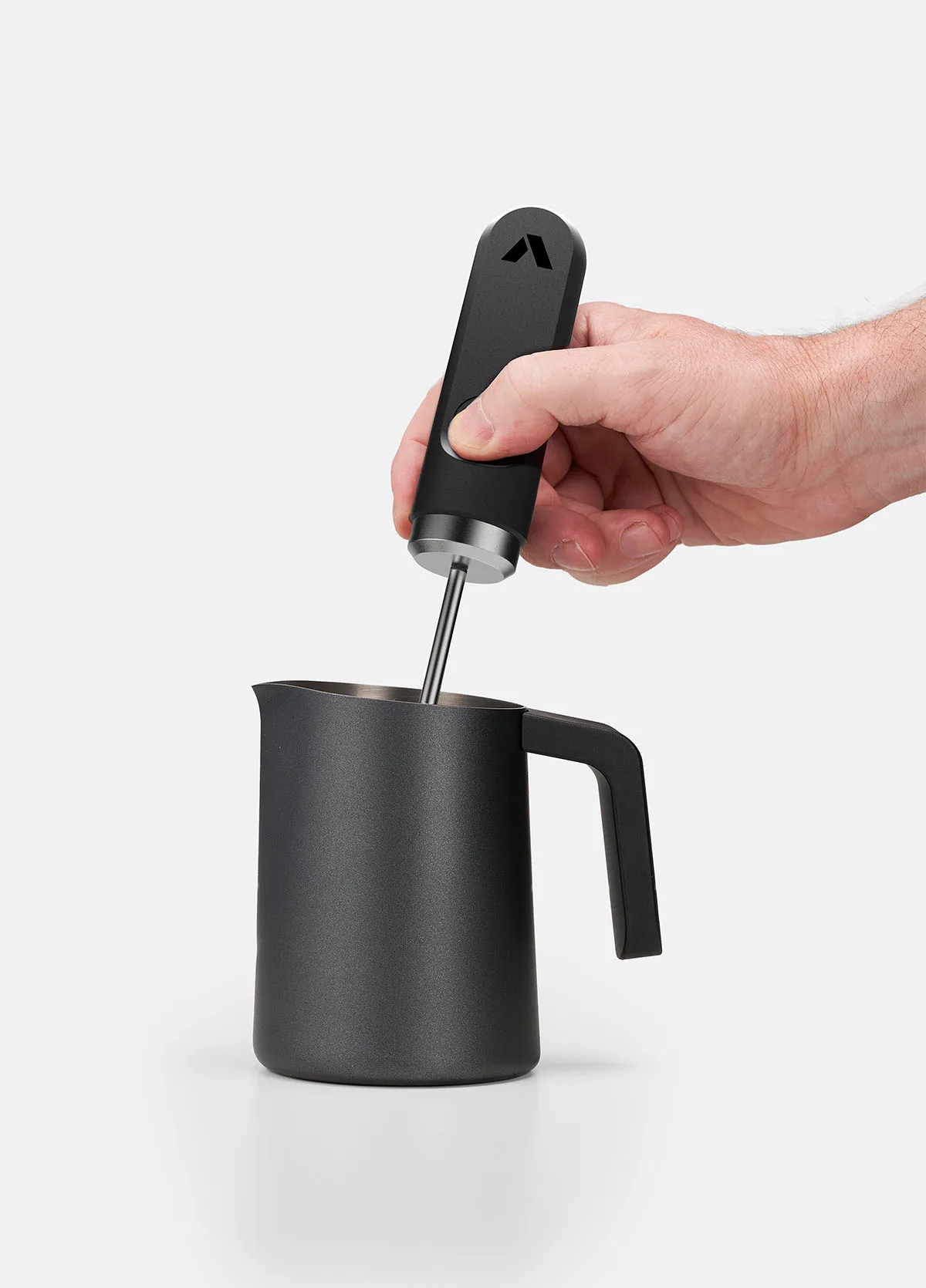
A significant number of “not working” reports turn out to be technique problems. Not hardware problems. The Nanofoamer is a precision tool.
It demands a specific workflow.
Wrong milk temperature. If your milk is too hot (above 60°C), the proteins denature and won’t form microfoam. If it’s too cold (below 5°C), the disc struggles to create friction. Aim for 5°C to 15°C.
Straight from the fridge is ideal.
Wrong angle and depth. Submerge the disc completely, about 1 cm below the surface. Too shallow gives you big bubbles. Too deep lets no air in.
A slight tilt (about 15 degrees) helps the milk swirl properly.
Wrong milk type. Plant-based milks vary wildly. Barista blends work best. Cheap supermarket oat milk often doesn’t foam at all with a Nanofoamer.
If you’re using a new brand and getting poor results, try a different one before blaming the device.
Battery level affects technique. Even when it still spins, a low battery reduces RPM. That means less shear force. Weaker foam.
If your foam suddenly got worse, check the battery level first.
How to verify it’s you, not the device. Fill a tall cup with cold water. Submerge the disc and run the Nanofoamer for 30 seconds. If you see strong swirling and lots of tiny bubbles, the device is fine.
The problem is your milk or your technique. If it does nothing in water, you have a hardware issue. That simple test ends the guesswork.
Maintenance That Prevents Breakdowns
A three minute cleaning routine after every use keeps the disc, shaft, and seals in working order.
Clean the disc immediately after frothing. Dried milk is the number one cause of motor strain and foam failure. Rinse the disc under warm tap water. Brush each hole with a narrow cleaning tool or toothpick.
Let it air dry fully before reassembling.
Wipe the silicone seal. The small ring inside the shaft base prevents milk from leaking into the battery compartment. If you see moisture inside the clear plastic housing, the seal is compromised. Dry it gently.
Inspect for cracks. A cracked seal means replacement, not repair.
Store the device upright with the disc removed. Leaving the disc attached traps moisture against the shaft. Over time, that leads to corrosion on the metal contacts. Store it in a dry drawer with the disc off and the shaft wiped clean.
Charge before the battery hits zero. Lithium ion batteries degrade faster when fully drained. Plug it in when the indicator turns red or after about 20 uses. Keeping the charge between 30% and 80% extends overall battery life.
Check the USB port monthly. Dust and milk residue collect inside the port and block charging. Use a dry toothpick or compressed air to clear it. This simple check prevents the most common “dead device” scenario.
Frequently Asked Questions
Why does my Nanofoamer stop after a few seconds?
The battery is likely low. Charge it fully for two hours. If it still cuts out, the motor may be overheating from milk residue.
Clean the disc and shaft thoroughly. A persistent cut out after cleaning points to a battery or circuit failure.
Can I use the Nanofoamer with hot milk?
No. The device is not designed for liquids above 60°C. Hot milk can damage the seal and motor.
Always start with cold milk and heat the foam after frothing. The manufacturer’s safety guidelines warn against submerging the base in any hot liquid.
How do I know if the disc is worn out?
Inspect the plastic disc for cracks, warping, or a loose fit on the shaft. If the disc wobbles during use or spins without creating foam, it needs replacement. Subminimal sells official replacement discs.
Aftermarket discs may not match the original RPM.
What if water gets inside the battery compartment?
Stop using the device immediately. Remove the shaft and disc. Let the body dry upside down in a warm area for 24 hours.
Do not charge it while damp. If the indicator light stays dim after drying, the battery may be damaged.
Does warranty cover a non working Nanofoamer?
Yes, for manufacturing defects within one year of purchase. Normal wear and tear, including battery degradation and clogged discs, is not covered. Contact Subminimal support with your order number and a description of the problem.
They usually respond within two business days.
When to Replace vs. When to Fix: Final Decision Guide
| Condition | Fix it | Replace it |
|---|---|---|
| Clogged disc | Clean with toothpick | Only if disc is cracked |
| Worn silicone seal | Order a replacement seal | N/A |
| Dead battery (Lithium model) | Order official replacement battery | N/A |
| Dead battery (Pro model) | Not user serviceable | Replace unit or claim warranty |
| Motor spins but no foam | Clean disc, check technique | Try technique first |
| No power after cleaning port | Try different cable and charger | Battery or circuit failure |
| Water inside housing | Dry 24 hours, test | If still dead, replace |
If your device is under 12 months old and has a genuine hardware fault, contact Subminimal support. Most units that fail early are replaced free of charge.
If your device is over 18 months old and the battery won’t hold a charge, the cost of a replacement battery (around $19 for the Lithium model) is worth it. The rest of the unit is still functional.
If the motor has failed or the housing is cracked, replacement is the smarter move. A new Nanofoamer Pro runs about $79. Spending half that on parts for a damaged unit isn’t practical.
The one exception is user technique. If you’ve tried everything and still get weak foam, try a different milk brand or adjust your angle before buying a new unit. This is the cheapest fix of all.
Before you give up, run the cold water test described earlier. If the device swirls water like a champ, the hardware is fine. The problem is your milk, your technique, or both.
That’s good news because those are free to fix.

Similar Posts